
Sign up and log in
Create an account with Google or email, log in on any device, and fix common login issues.
Sign up
- Go to the homepage and click Start free.
- Continue with Google for fastest onboarding.
- Or register with name, email and password.
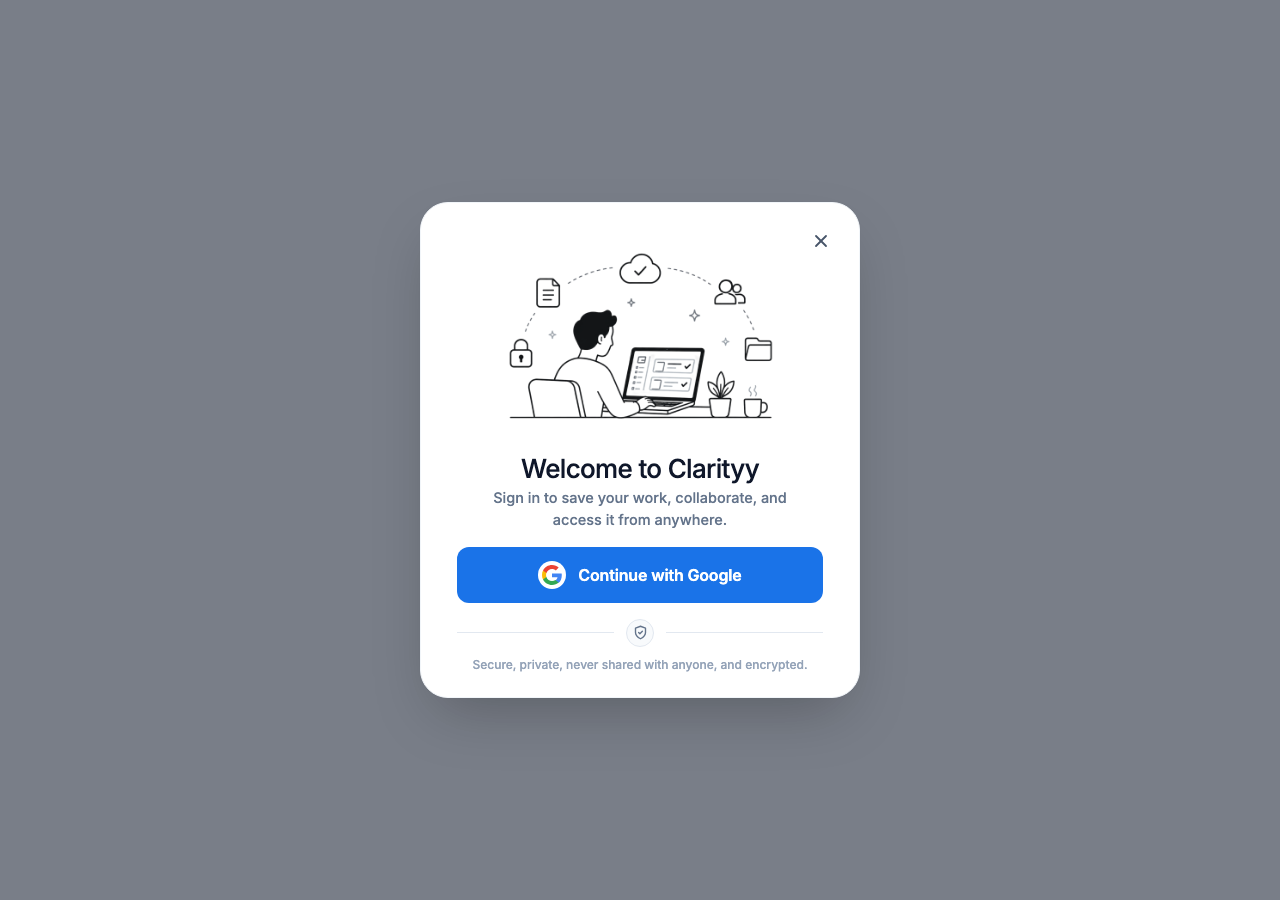
You land directly in your workspace. No setup wizard or plugin install is needed.
Log in
- Click the login option on the homepage.
- Use the same Google account or email you registered with.
- If you are already logged in, you will see Open your workspace instead.
Switch accounts
If you were invited with a different email, accept the invitation first, then switch accounts from the invitation page.
Common issues
I did not get the Google popup
Allow popups for your site domain and try again. Brave Shields and ad blockers can block the OAuth window.
I joined with the wrong email
Log out, log in with the invited email, then open the invitation link again.
Session expired
Log in again. Sessions last 120 minutes of inactivity by default.
