







Pain
Status meetings to find out what is late
Five people in a room so one person can learn which project slipped.

Manage the project, not the tool
The simplest project tracker which your team will ever use
“I open one screen in the morning and know exactly what the day is. No tabs, no asking around.”
See where every task stands
Kanban1/7

The whole setup
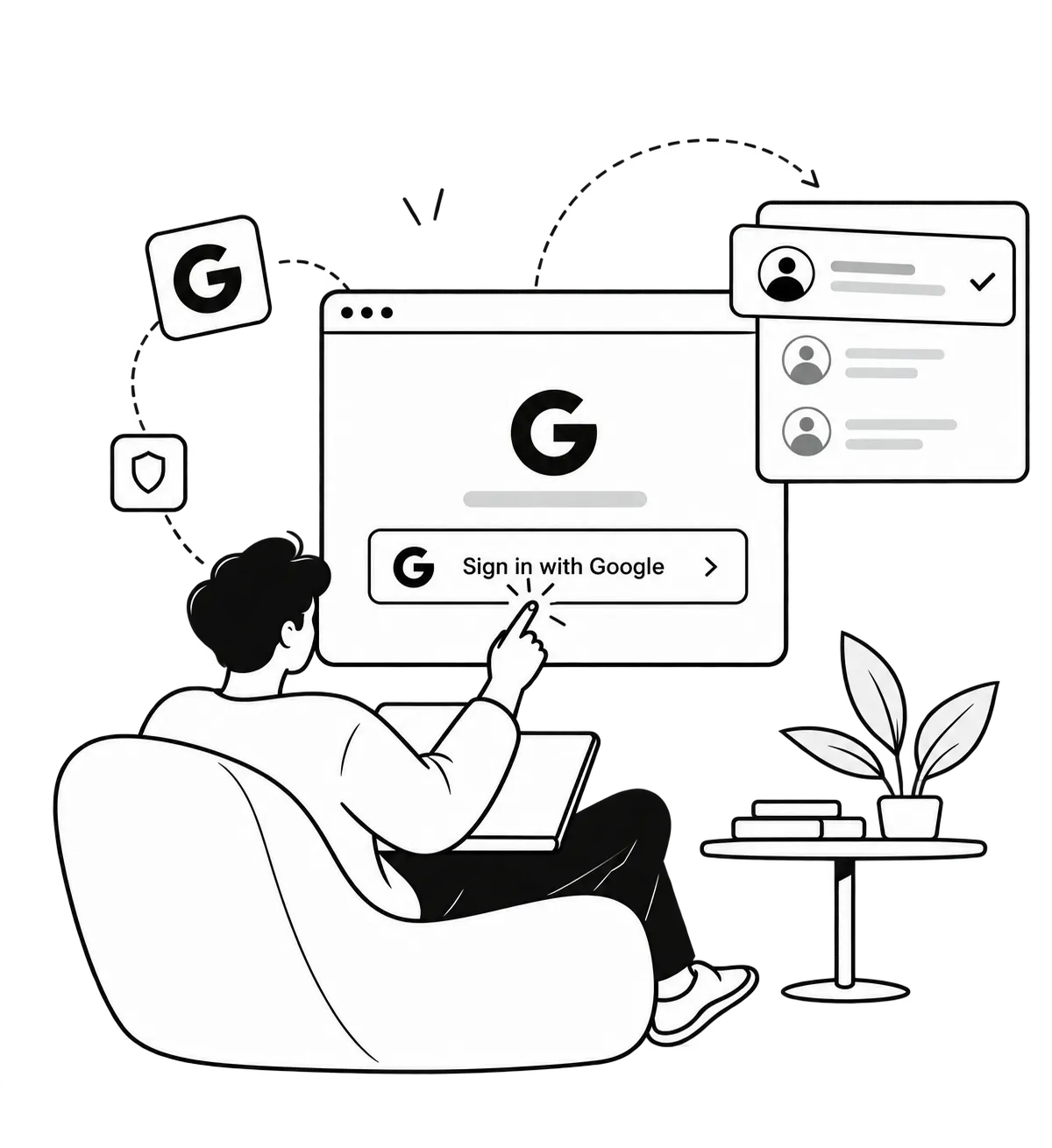 1Sign in with Google
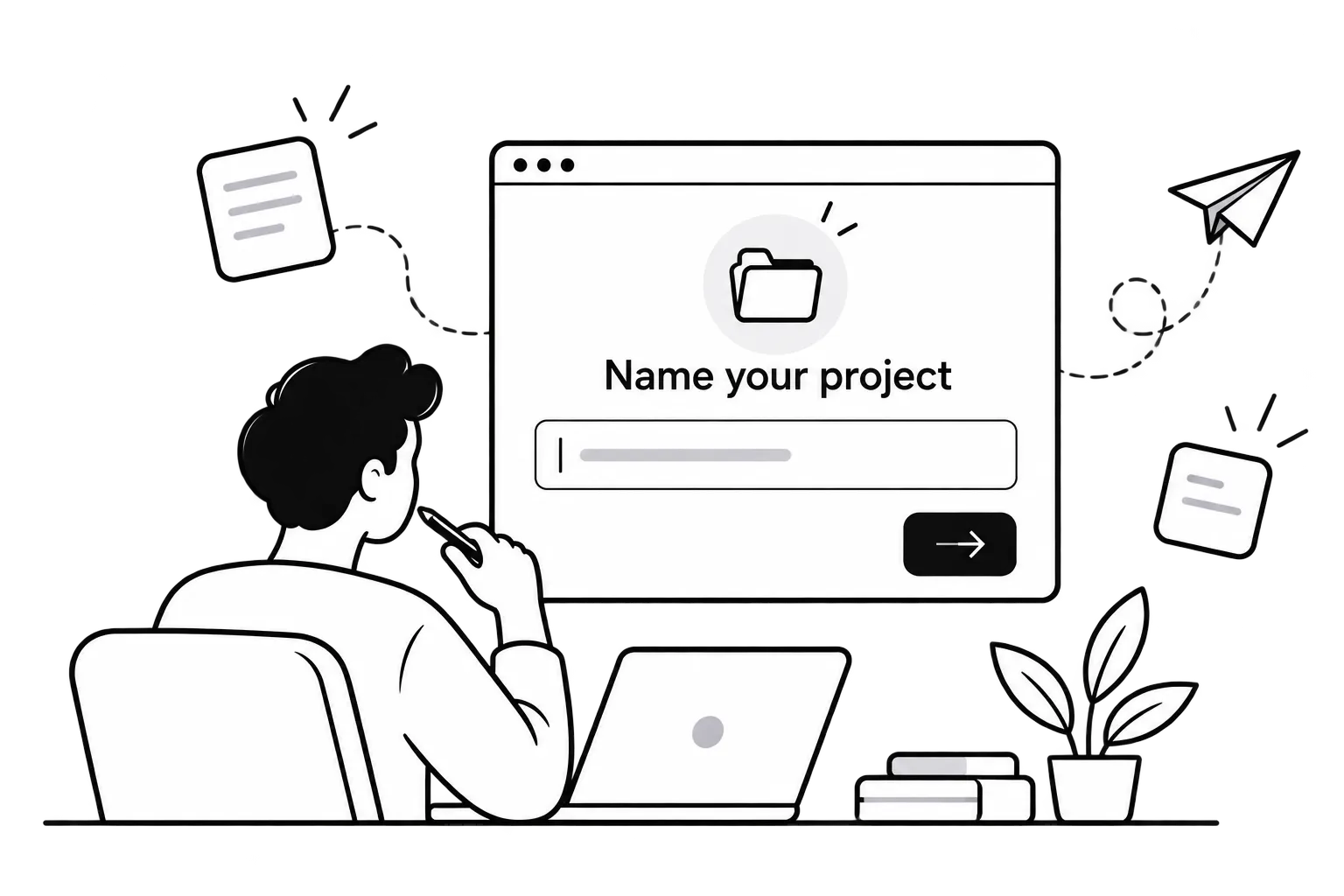 2Name the project
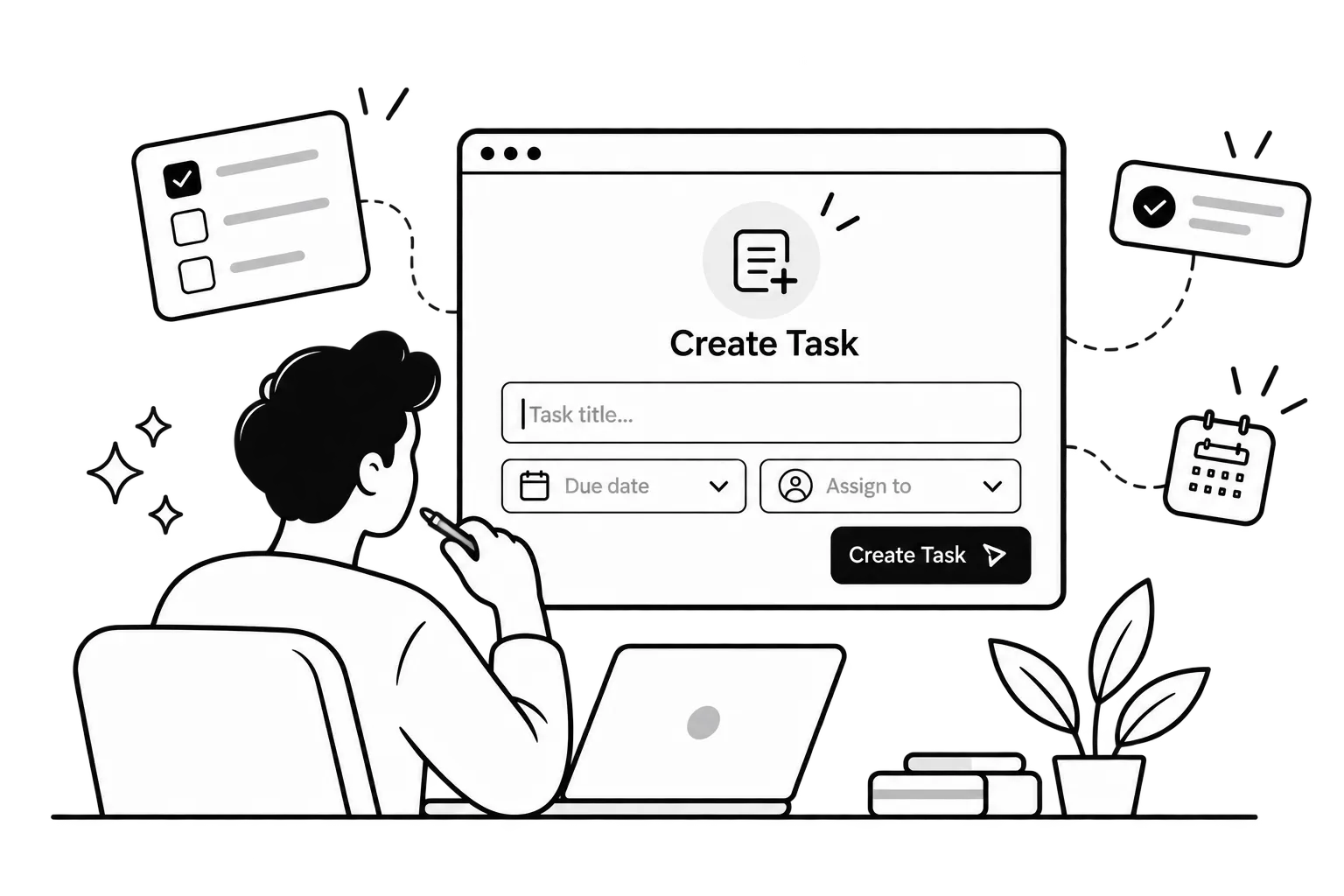 3Add this week's tasks
No templates, no import, no workflow builder. The board is the product.
Three things every manager recognises, and the screen that removes each one.
Pain
Five people in a room so one person can learn which project slipped.
Pain
“Did you finish that?” asked twelve times a day, answered in twelve places.
Pain
Workflows, custom fields, a spreadsheet on the side because the tool is too much work.
Two screens answer it. Both are captured from a live workspace.
If you run a 5–30 person company and do not have a project manager, this is the view that tells you what is late before the client does.
Red, yellow, or green for each project. What needs attention, the reason it is late, and the next milestone.

Progress, where the work sits, who is carrying it, what is due this week, and the one task holding it up.

“If Steve Jobs had invented project management, this would be it.”
“If Elon Musk applied first-principles thinking to project management, this is the tool he would build.”
The same board, from the other side.
What is overdue, what is due today, and what still has no owner. The screen a team member opens in the morning.

One piece of work with its owner, dates, and the thread. Update it without learning the tool.

Every task on a calendar by owner. See the week before it starts, and move what collides.

Five more views. Each one answers a single question.


4.7 from 2000 reviews

Project manager, Redwood Civic · Sacramento
We stopped managing the project. Weekly status meetings went from five to one, and nothing slipped.

Delivery lead, Lakeshore Freight · Chicago
The board is the whole product. My team did not need a walkthrough, and we shipped the depot rollout two weeks early.
Product manager, Piedmont Health Group · Charlotte
I can see who owns the work without opening a second app. Handoffs between clinics stopped falling through.
Studio producer, Harborlight Media · Austin
It is the simplest place we have put a project. We now run twelve client shoots a month with the same crew.

Program manager, Northgate Logistics · Columbus
One screen tells me which of our nine projects is late. I walk into Monday already knowing the answer.

Operations director, Granite Peak Builders · Denver
Overdue work shows up red before the client calls. Rework on our job sites dropped by about a third.

Head of delivery, Brightwater Agency · San Diego
Every task has an owner and a date, so we stopped billing hours we could not explain. Margins went up.
Engineering manager, Ridgeline Software · Portland
The team updates the board instead of me chasing them in chat. I got about four hours a week back.

Department head, Cedar Valley Credit Union · Minneapolis
I run compliance projects across three branches. The rollup shows me what is blocked without a single email.

Project lead, Bluefin Marine Services · Tampa
Nothing to learn, so the yard crew actually uses it. Vessel turnarounds are planned days ahead now, not that morning.
Marketing director, Ironwood Outdoor · Boise
Campaign launches used to slip a week. With due dates and owners on one board, the last six went out on the day.

Operations manager, Sunfield Produce Co. · Fresno
Harvest season has forty moving parts. Seeing what is unassigned saved us from missing two packing deadlines.

Product owner, Clearline Insurance · Hartford
The timeline shows who is overloaded this week. We rebalance before people burn out, not after.

VP operations, Summit Dental Partners · Nashville
Opening a new practice is a 60-task project. We opened three this year on schedule, which had never happened.

Program director, Lakeside Community Health · Milwaukee
Grant deliverables and owners live in one place. Our last audit took an afternoon instead of a week.
Founder, Ember Creative Studio · Raleigh
I stopped being the bottleneck. The team sees what is due today and just does it. We took on two more clients.
Start free. Pay only when the team grows.
Best for individual focus and quick team exploration.
Perfect for expanding teams, freelancers, and growing squads.
For high-growth agencies, enterprises, and power users.
 Your data stays yours.Export any project or the whole workspace to CSV at any time.
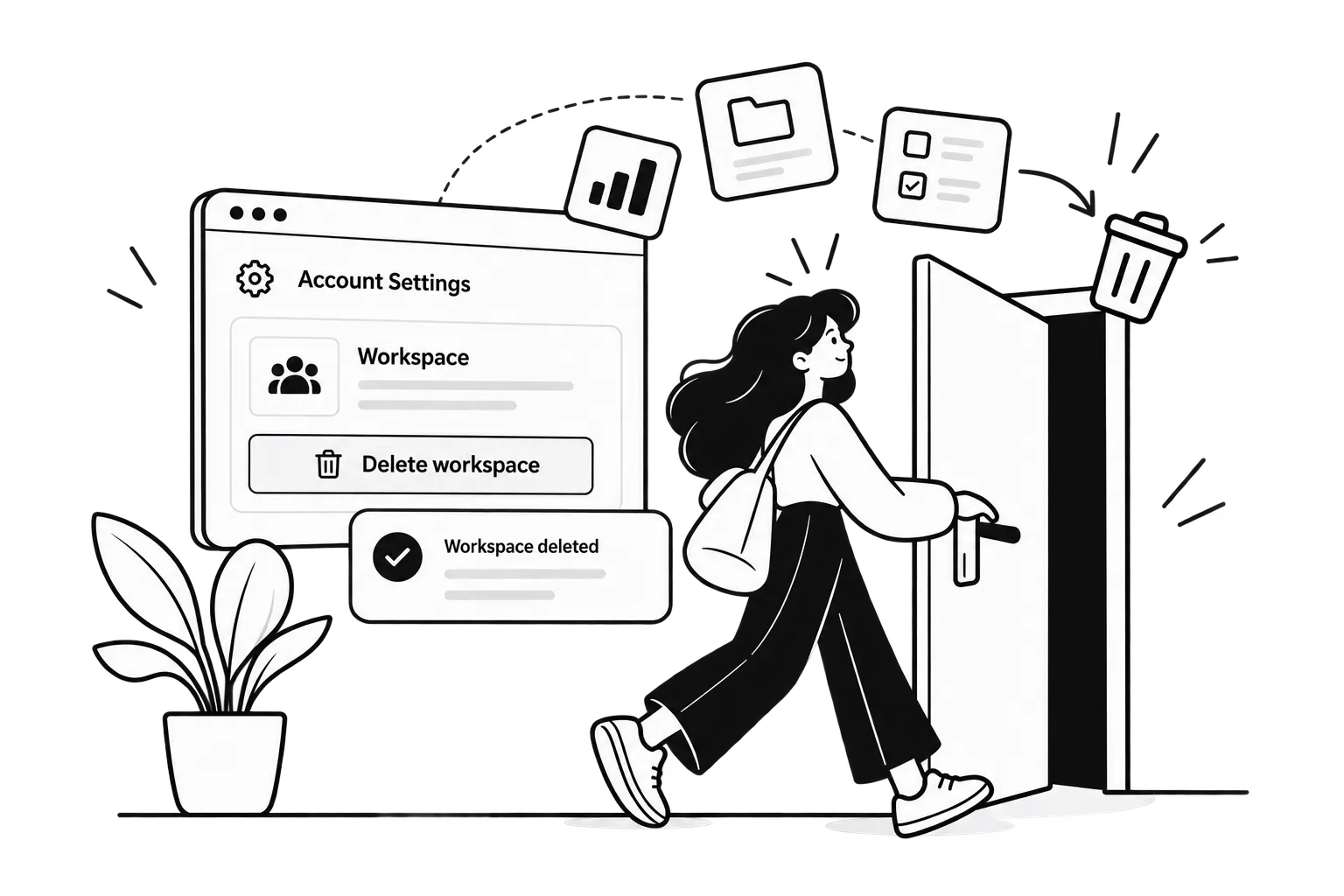 You can leave.Delete a workspace and its projects from the account settings. No ticket, no waiting.
 A person answers.support@getclarityy.com
Built by people from
